

Menu management
Update prices and hide sold-out items. Keep your menu current with the same QR code.
From your QR menu to table service, everything for your business in one place.
 quarmenu · sample businessM


Your menu. At its best.
Explore the dashboardOne simple dashboard for your daily work.
Update prices and hide sold-out items. Keep your menu current with the same QR code.
Follow waiter calls and bill requests in one place. Keep your team informed about every table.
Manage your locations from one account. Set prices for each location and access for each team member.
What will your guests see? Open the sample menu, explore the products, and change the language. No app needed.
Try the sample menuAdd products with photos, prices and options. Import an existing list from Excel or CSV.
Choose your colours, logo and menu layout. Preview exactly what your guests will see.
Place your QR code on the table or share the link. Manage every update from one dashboard.
Start with your business needs, then explore the steps from setup to everyday menu updates.
Share your restaurant menu with a QR code. Manage products, branch prices and waiter calls; review changes before publishing to the same menu link.
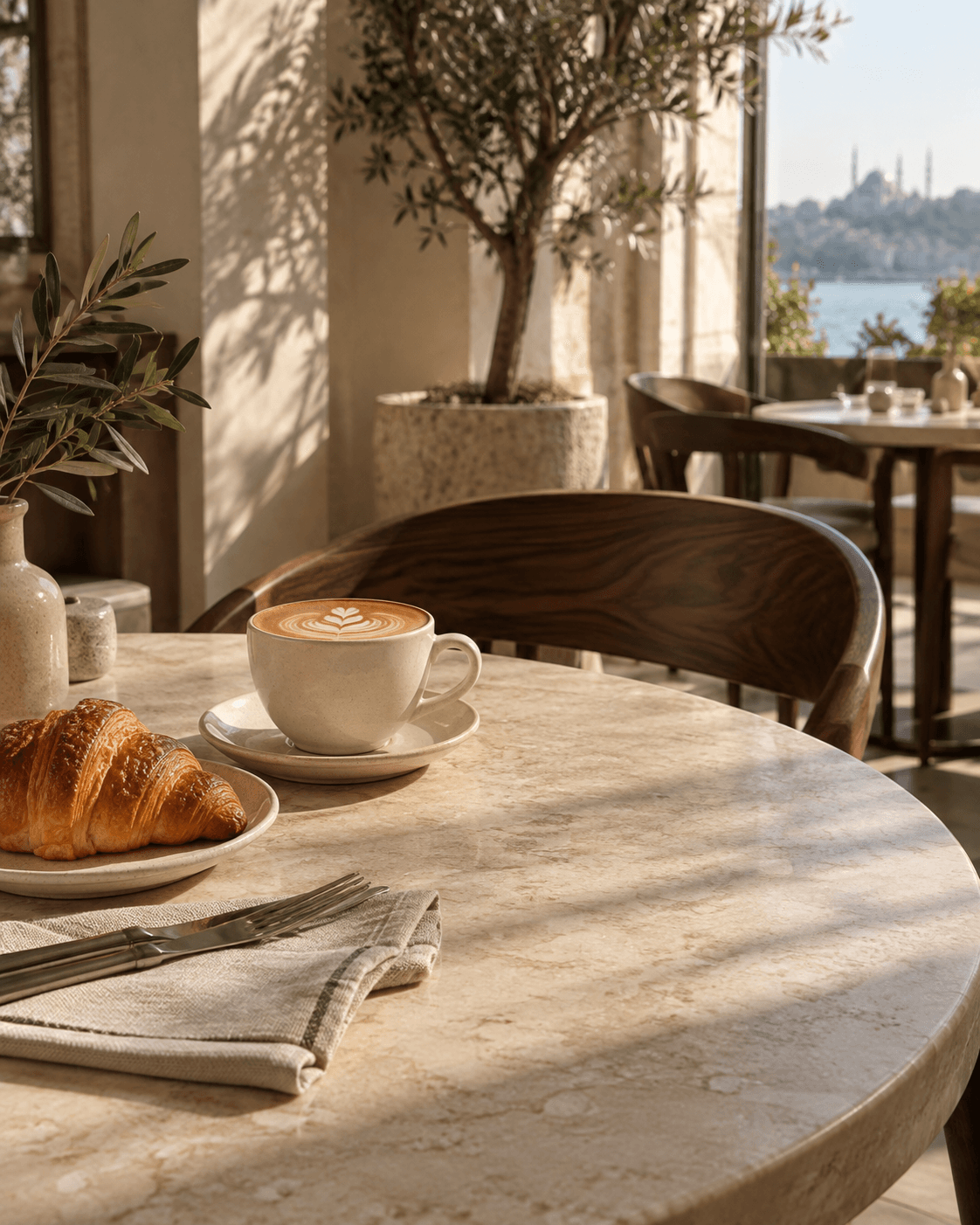
ExploreQuarmenuShare your café's coffee, breakfast and dessert menu with a QR code. Manage product options, prices and sold-out items from one panel.
ExploreQuarmenuOffer your QR menu in English, Turkish and other supported languages. Manage product translations in one panel while keeping your menu's currency.
ExploreYes. Quarmenu is free during early access. No credit card is required. We will let you know before introducing paid plans. You will never be charged automatically.
No. Guests scan the QR code with their phone camera and open your menu in their browser. No app or account is needed.
No. Once you publish changes to prices, products or design, the same QR code opens your updated menu. No reprinting is needed.
No. Give accounts to staff who edit or publish menus. Your service team can use a shared tablet or phone paired with your business.
Import products from Excel or CSV. Match the columns and check the preview. Products are saved as drafts until you publish them.
Guests can browse your QR menu, call a waiter and request the bill. Ordering and online payments are not available yet. Future features will be shaped by feedback from businesses.